
Built for Agencies & Teams
Manage every client's website from a single account, work as a team with the right roles and permissions, and give each client a clean, read-only portal of their own — without sharing your login.
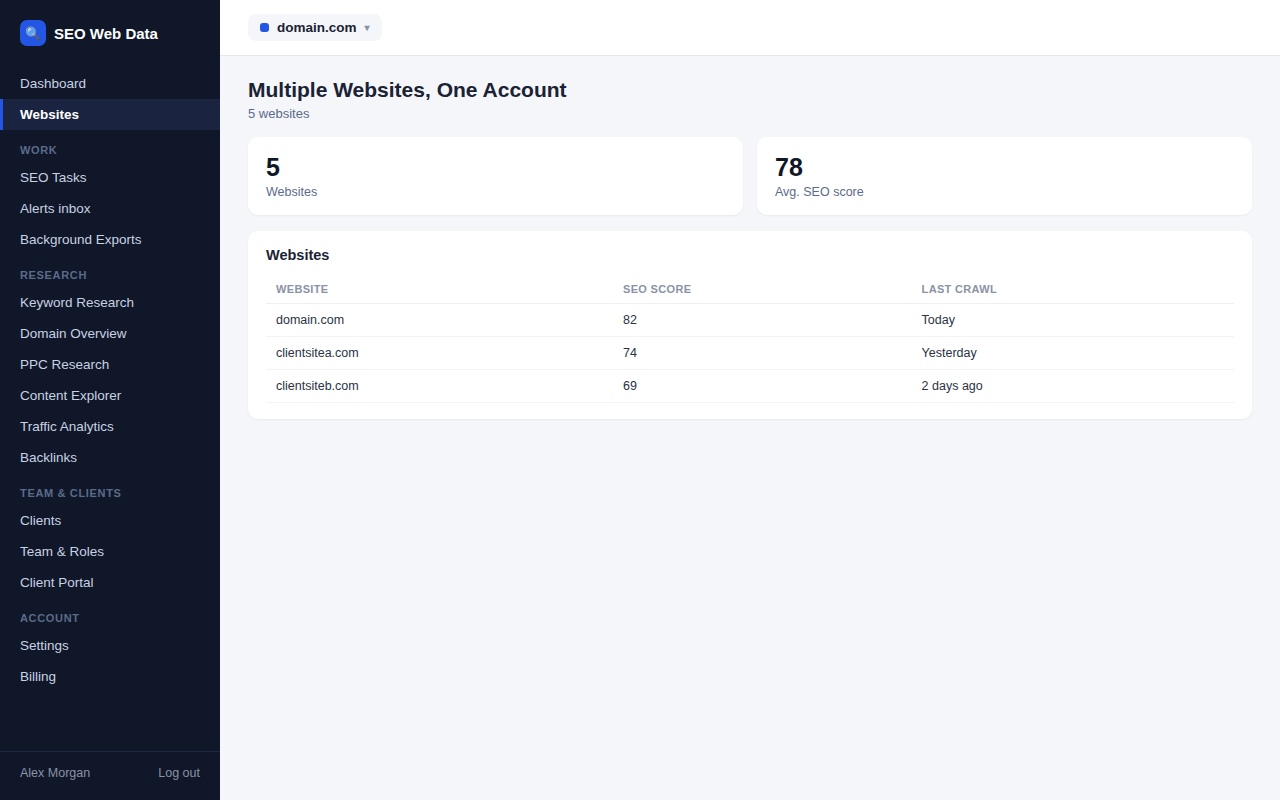
Multiple websites, one account
Add every client's website to the same account and switch between them without juggling separate logins, each with its own crawl history, SEO score and Search Console data. The number of websites included scales with your plan.
- One login for every client site
- Independent history per website
- Website allowance scales by plan
Team & roles
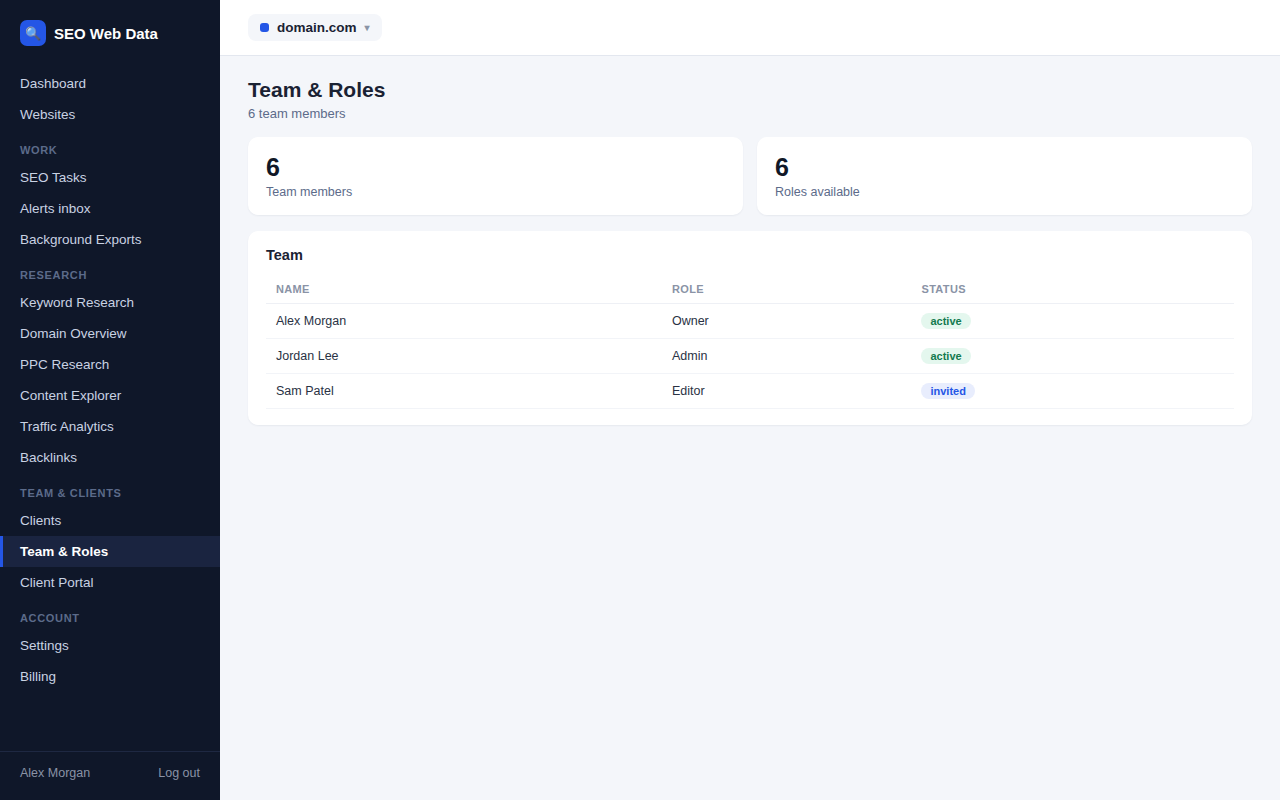
Bring colleagues onto the account with the access level that fits their role, so everyone can do their job without unnecessary access to billing, client management or platform settings.
- Owner, admin and member roles
- Seat allowance scales by plan
- Centralised team management
Client portal
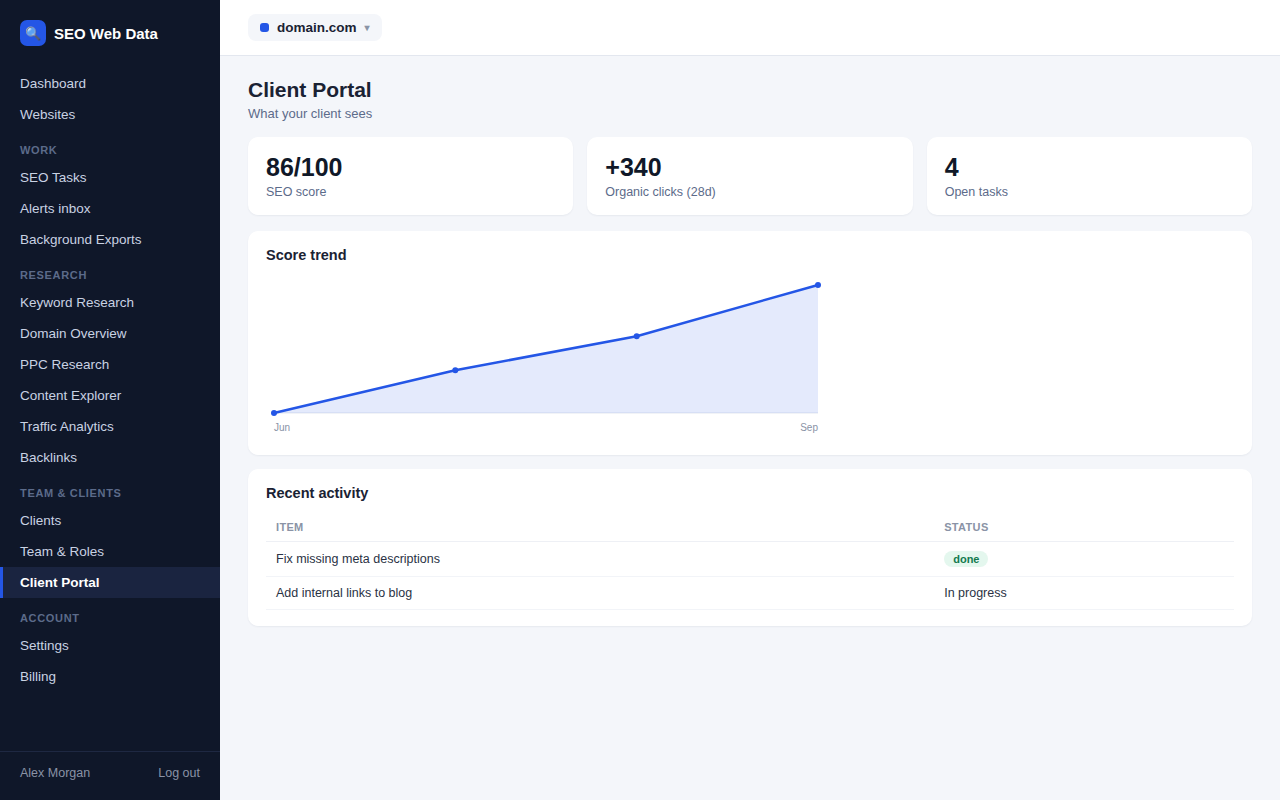
Give each client their own read-only login to see their own website's performance — SEO score, tasks, rankings — without ever seeing another client's data, and without handing over your own dashboard login.
- Read-only client logins
- Each client sees only their own data
- Optional client notes
Organised work
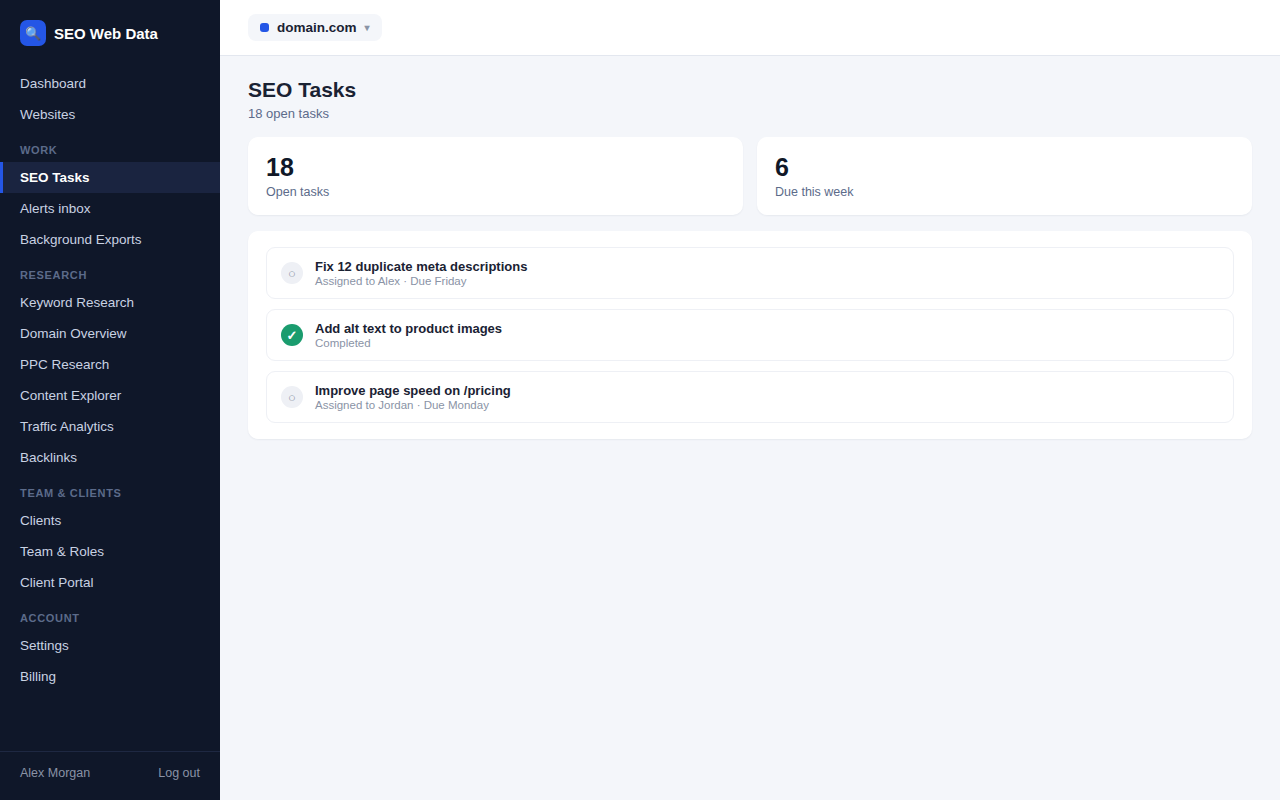
Turn issues found during a crawl or audit into trackable SEO tasks, so nothing found gets forgotten between one report and the next.
- Tasks generated from found issues
- Track status through to resolved
- Shared visibility across your team
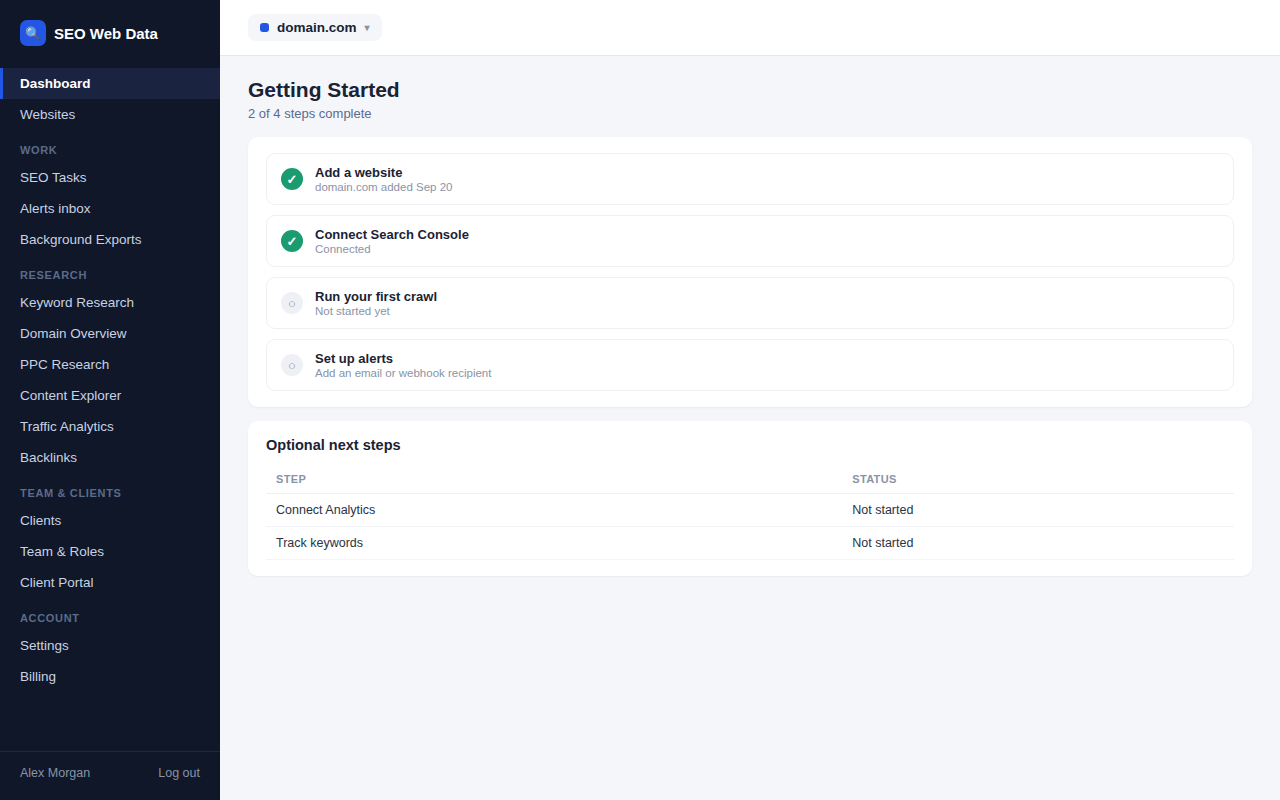
Guided onboarding
A short getting-started checklist walks every new account through adding a website, connecting Search Console, running a crawl and setting up alerts, with a direct button for each step.
- Four-step getting-started checklist
- Direct action button per step
- Auto-hidden once already done
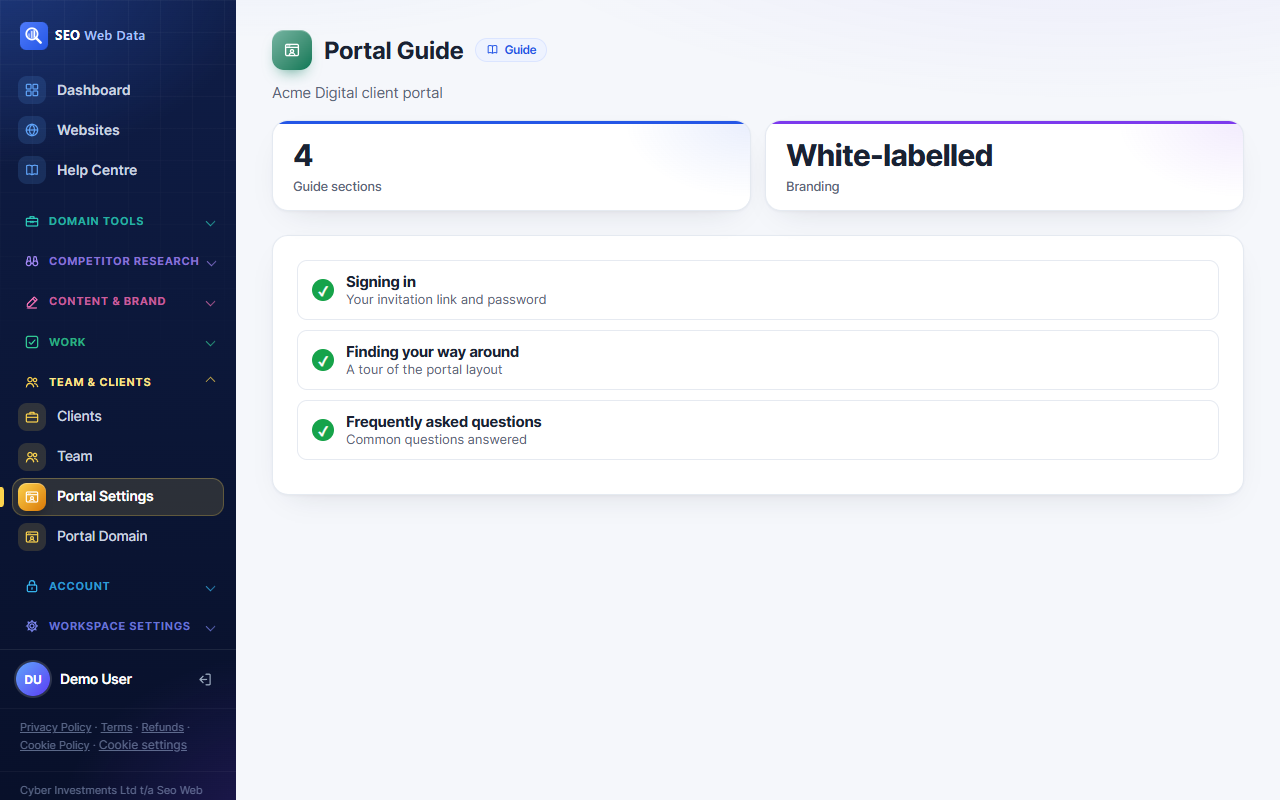
Client portal guide
A short, white-labelled guide lives inside the client portal so clients can find sign-in help and a tour of their dashboard without emailing you first.
- Sign-in and password help
- Tour of the client portal layout
- Matches your white-label setup
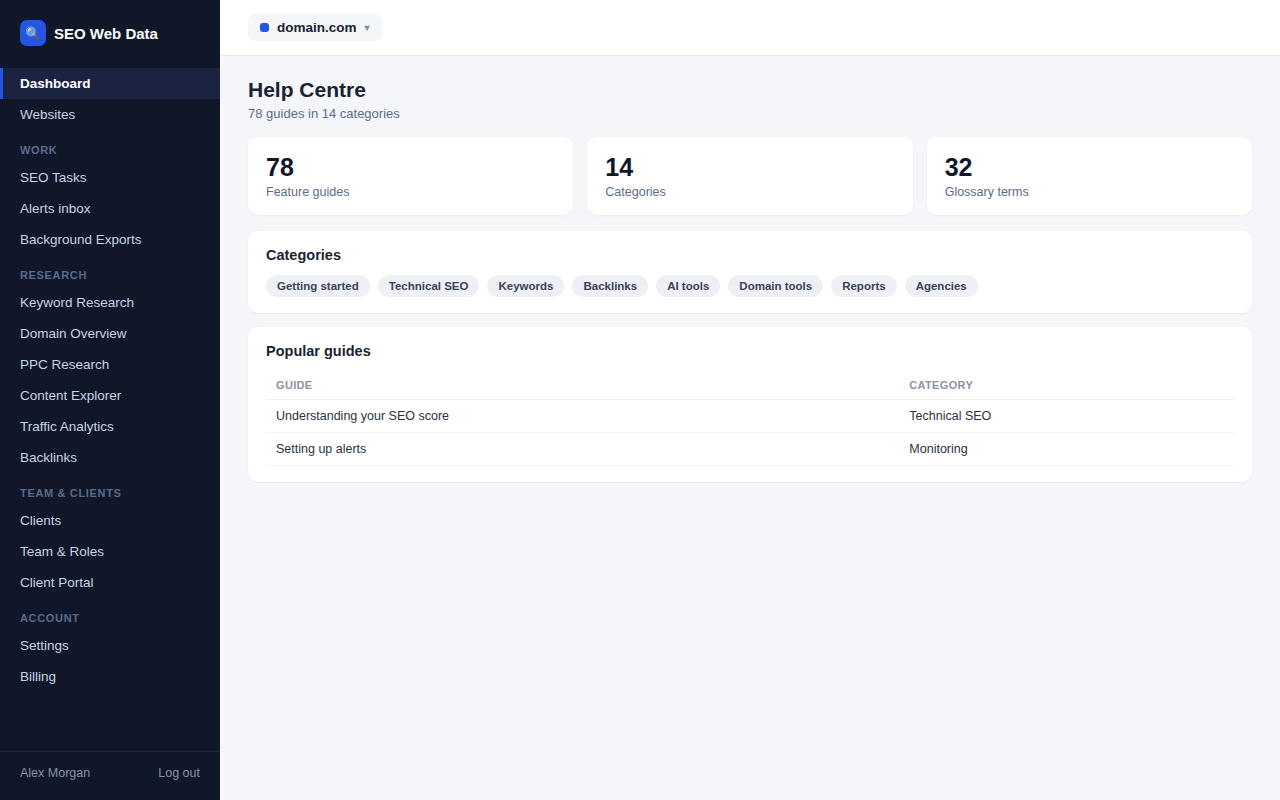
Help Centre
A searchable Help Centre gives your team a plain-language guide for every feature — what it does, how to use it, and how to read the data for SEO.
- A guide for every feature
- Live search across all guides
- Five-step getting-started path
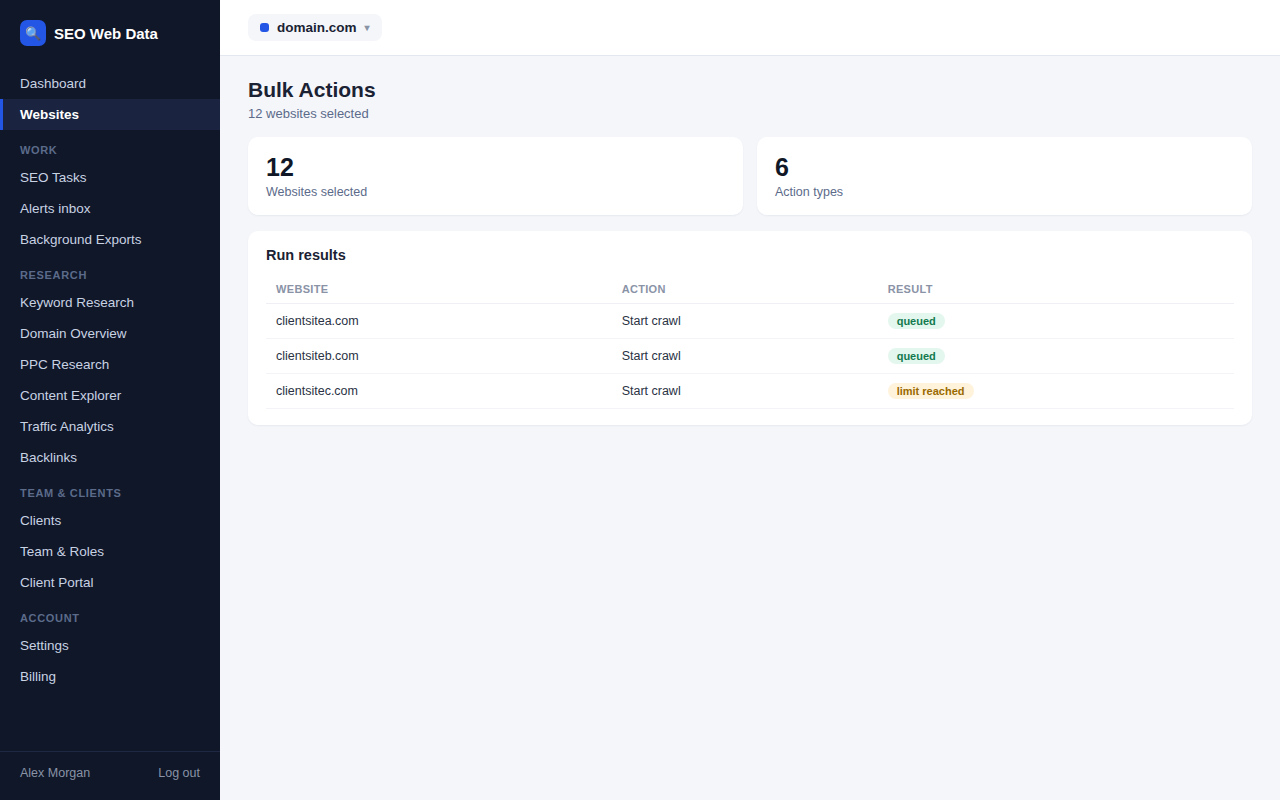
Bulk actions
Run one action — a crawl, new keywords, a task, a crawl-frequency change — across up to 50 websites at once, with a per-site result and a full audit trail.
- Six bulk action types
- Up to 50 websites per run
- Full audit trail
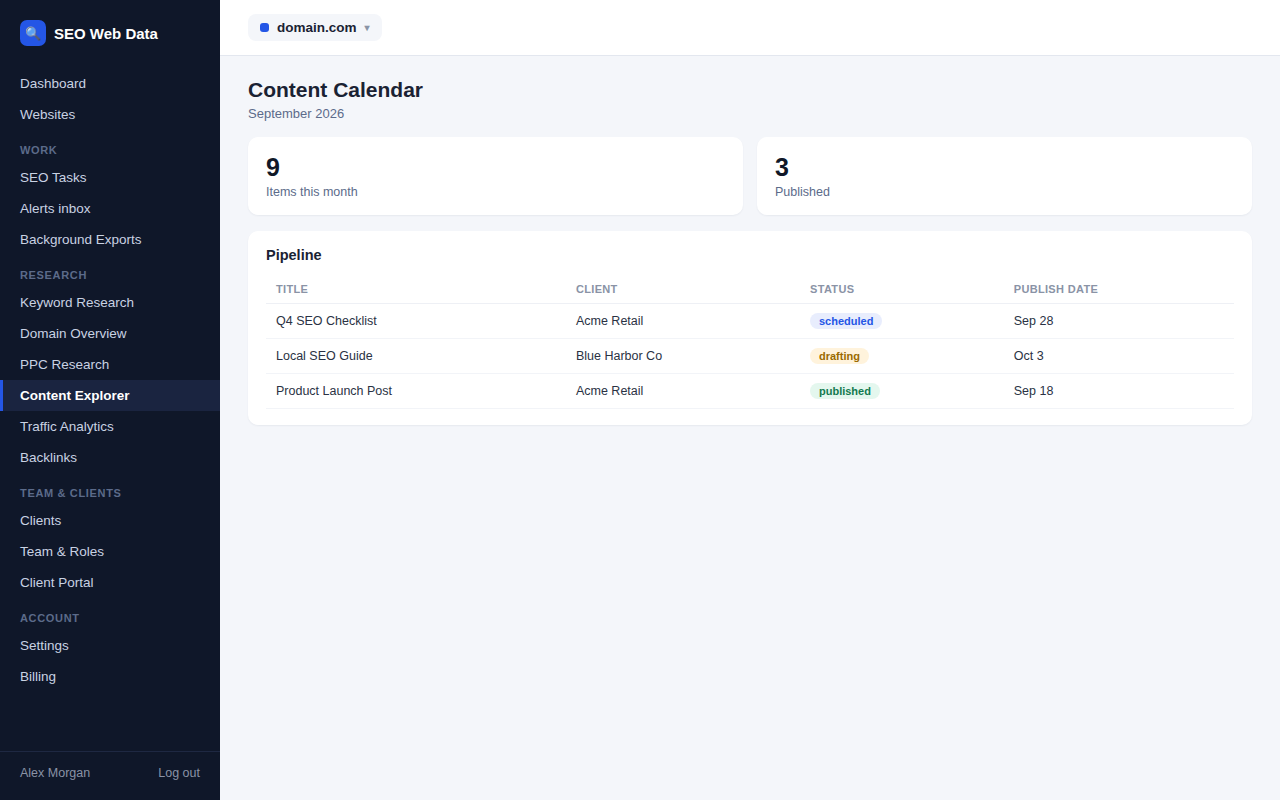
Content calendar
Plan what's being published and when across every client, with a linked SEO task per content item and status that stays in sync both ways.
- Month grid and pipeline board
- Linked SEO task per item
- Two-way status sync
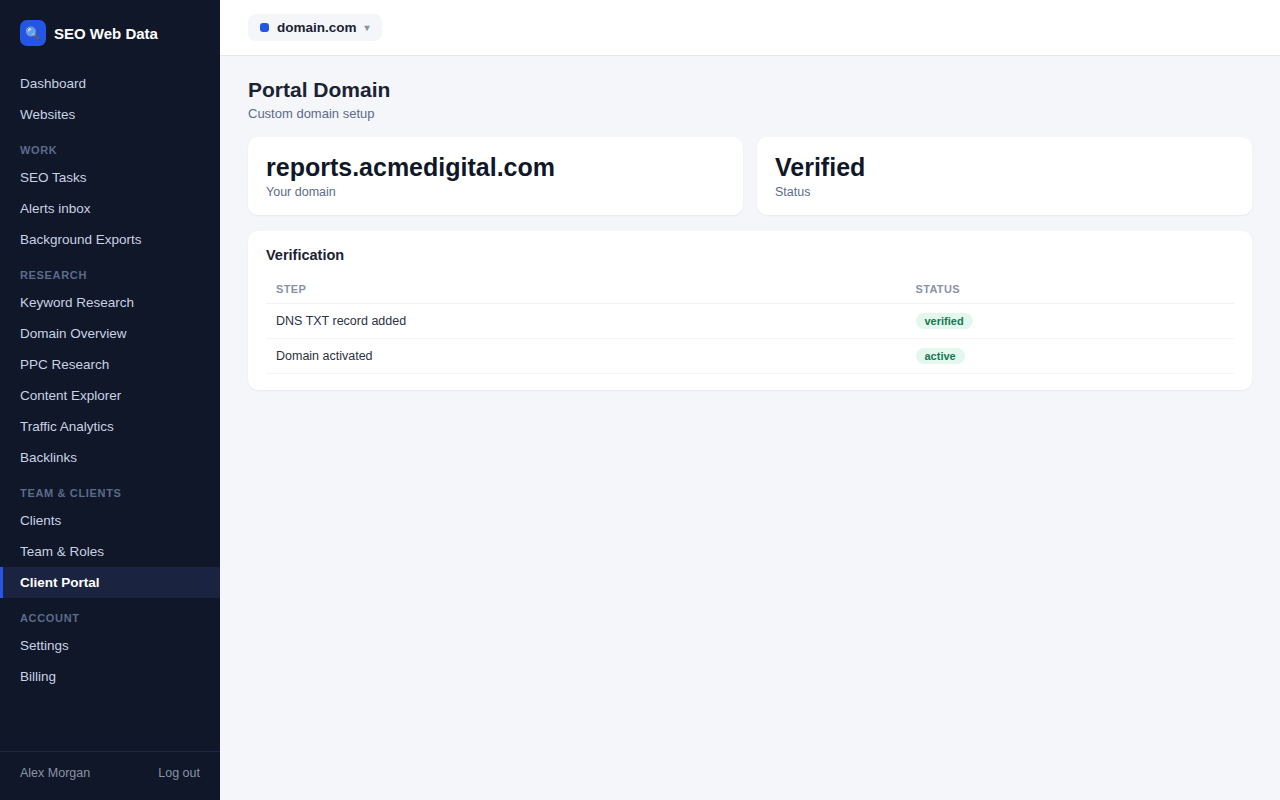
Custom portal domain
Point your own domain at the client portal after a DNS ownership check, so clients sign in through your brand from end to end.
- DNS ownership verification
- Fully unbranded portal host
- Invitations use your domain
Every client website can have its own AI Search Visibility tracking, with separate prompts, competitors and history, and read-only team members can view the results without spending any of your checks.