
Custom portal domain
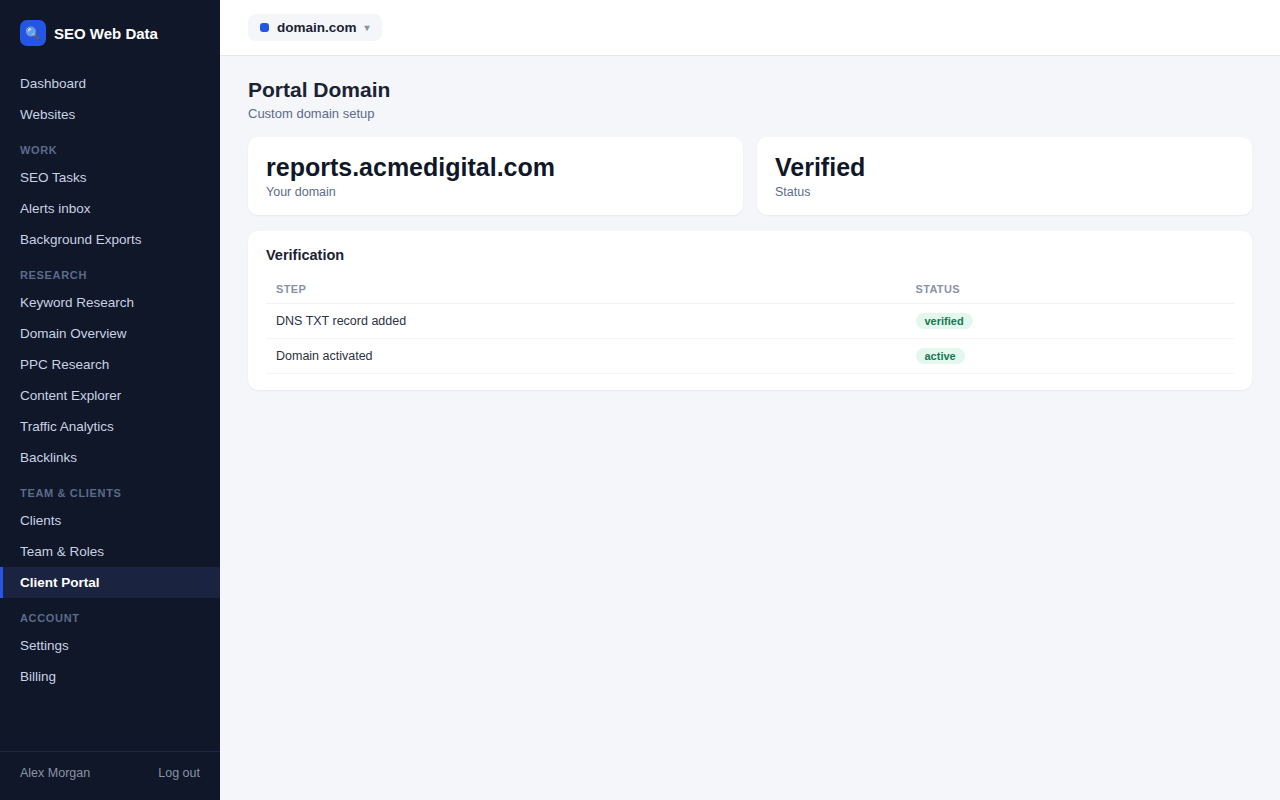
Point your own domain — reports.youragency.com, say — at the client portal, after a DNS ownership check, so clients sign in through your brand from end to end, not ours.
What's included
- DNS TXT ownership verification
- A host that serves only the client portal
- Client invitations that use your domain automatically
Once your domain is verified, it serves nothing but the client portal — unbranded, with no mention of the underlying platform. Every client invitation for that account automatically uses your domain, so a client never sees anything but your own address.
Sessions are matched to the account that owns the verified domain, so a custom portal domain can never be used to reach another agency's client data.
How it works
Add your domain under portal settings, add the given DNS TXT record to prove ownership, and once verified, point the domain's DNS at the platform. The web server and certificate for the domain are set up on your end — see the setup guide for the exact steps.
Why a custom domain matters for agencies
- Fully white-label — clients experience your brand the whole way through, from the email invite to the sign-in page.
- Ownership-verified — the DNS check means only someone who actually controls the domain can point it at a portal.
- Account-isolated — a custom domain only ever serves its own account's client portal, never another agency's.
Frequently asked questions
Do I need to manage my own SSL certificate?
Yes — the web server and certificate for your custom domain are set up on your end; the platform handles the portal content and the ownership check.
Will my domain show anything besides the client portal?
No — once set up, the host serves only the client portal, completely unbranded.
How is ownership of the domain verified?
Through a DNS TXT record you add to your domain before it's activated.