
API & Integrations
SEO Web Data doesn't have to be the only place your data lives. Pull it into your own dashboards and workflows with the public API, push events out with webhooks, or export it directly.
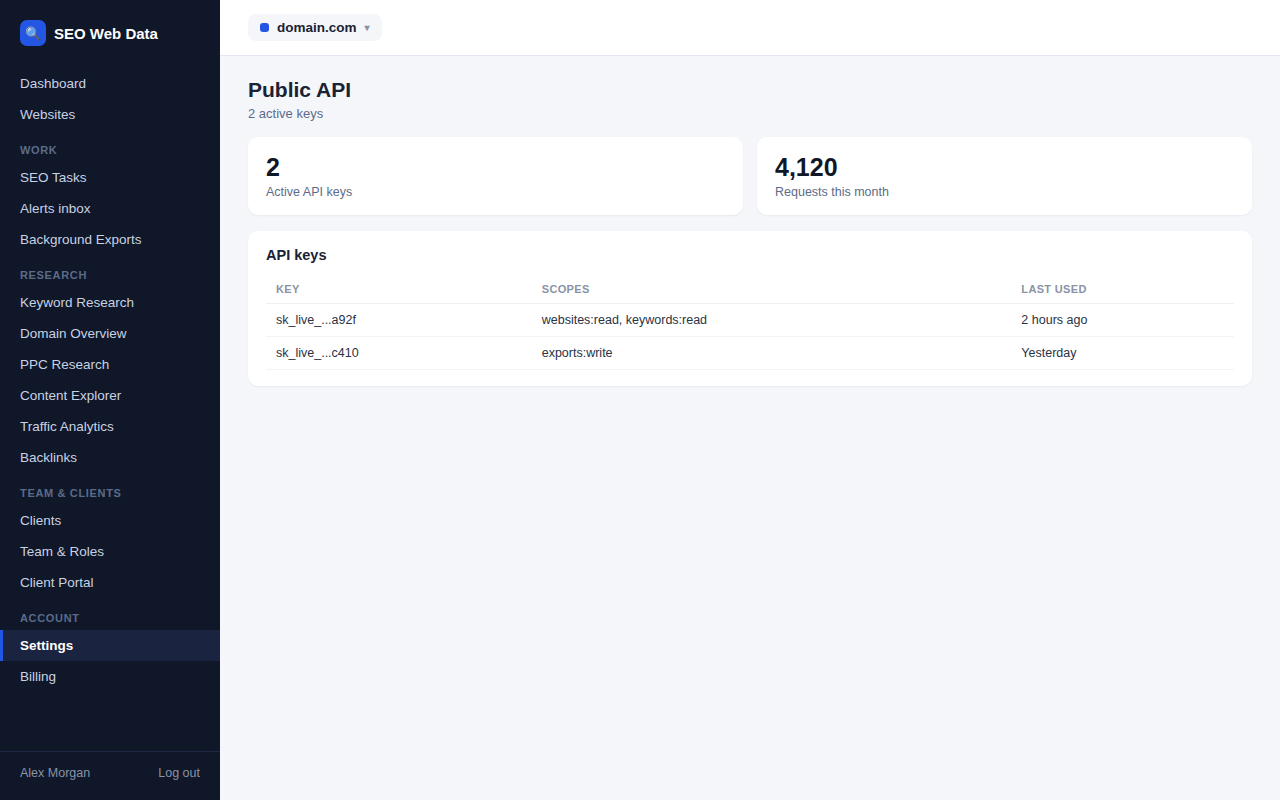
Public API
Access your account's websites, crawl results, issues, keywords and reports programmatically, so you can build your own dashboards or automate workflows around SEO Web Data. Included on plans with API access, with a request allowance that scales by plan.
- Read your own account's data
- Documented endpoints
- Rate limits scale by plan
Webhooks
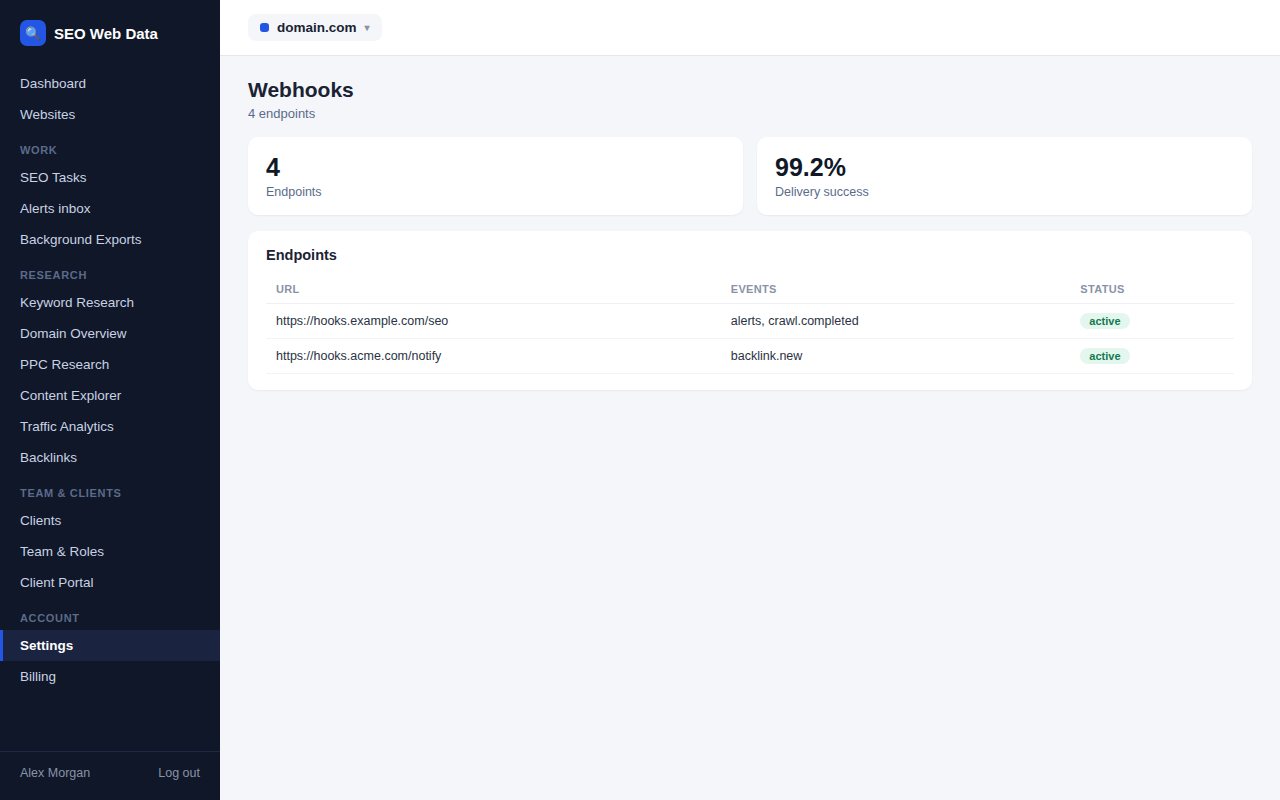
Have SEO Web Data push events — a new issue found, a ranking change, an alert — straight to your own endpoint the moment they happen, instead of polling for updates.
- Real-time event delivery
- Signed payloads
- Included on higher-tier plans — see Pricing
Data exports
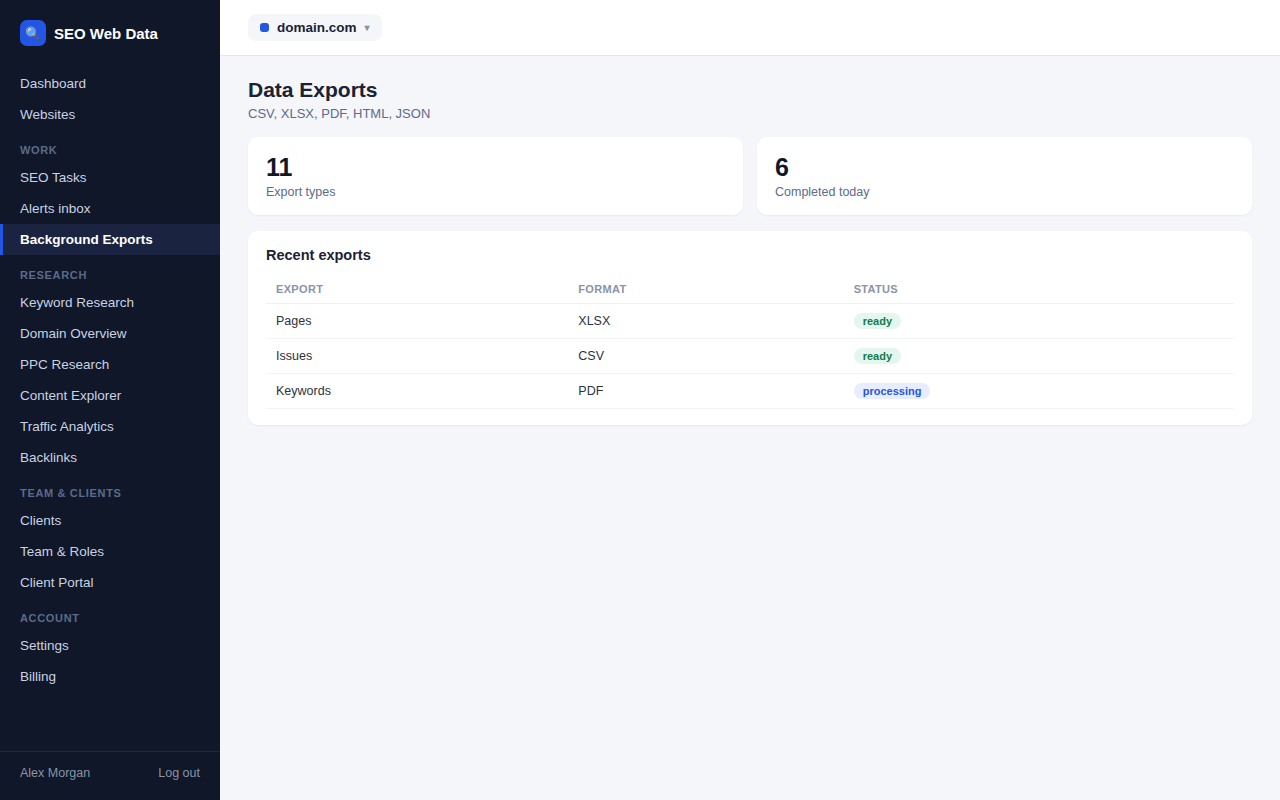
Export pages, issues, keywords, rankings, competitors, links, crawls, tasks and reports in the format that suits you — CSV, Excel-compatible, PDF, HTML or JSON — generated in the background so large exports never tie up your browser.
- CSV, Excel-compatible, PDF, HTML & JSON
- Background generation for large exports
- Covers every major data area
Looker Studio, Sheets, Slack & Teams
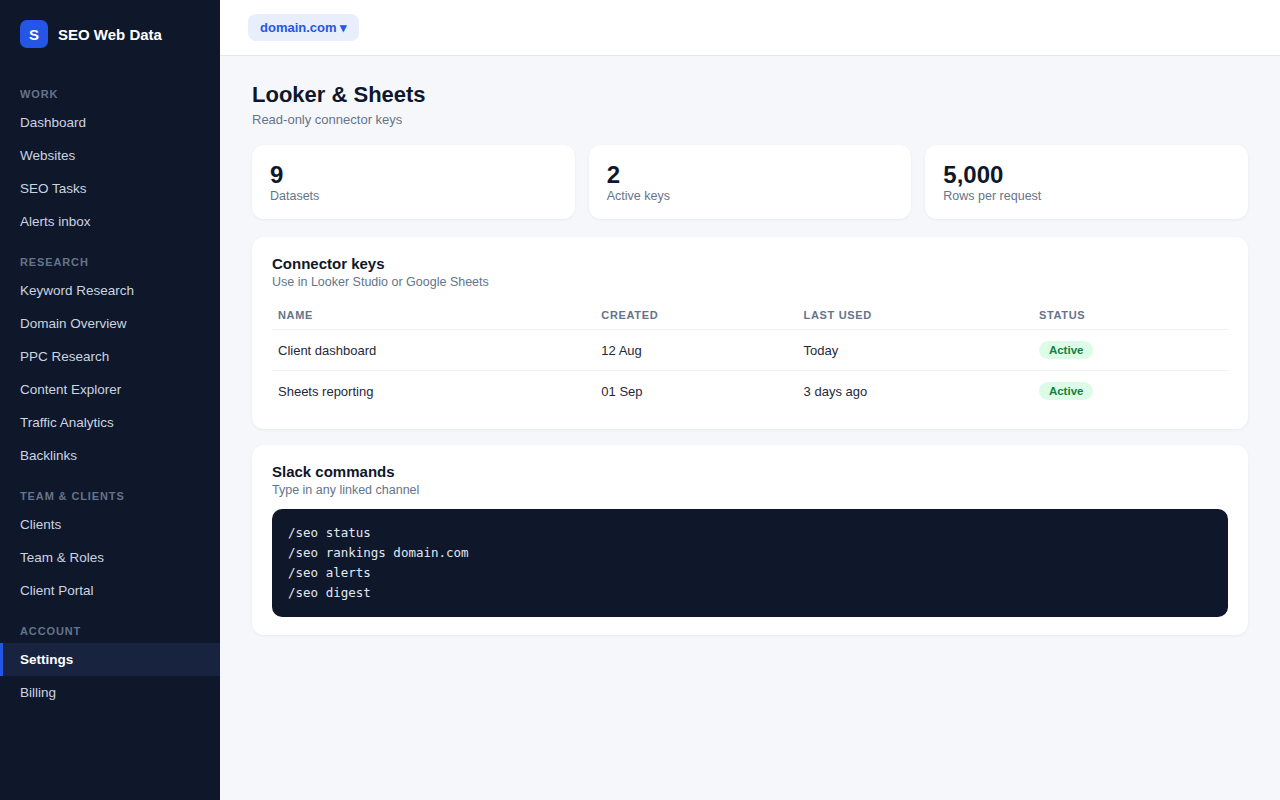
Read-only Looker Studio and Google Sheets connectors, plus alerts, the weekly digest and /seo commands in Slack or Teams.
- Nine datasets with a read-only key
- Alerts and digest in Slack and Teams
- /seo commands in Slack
Webhooks can deliver AI visibility drop alerts alongside your other events, so a change in how AI assistants treat your brand can trigger your own workflows.