
Help Centre
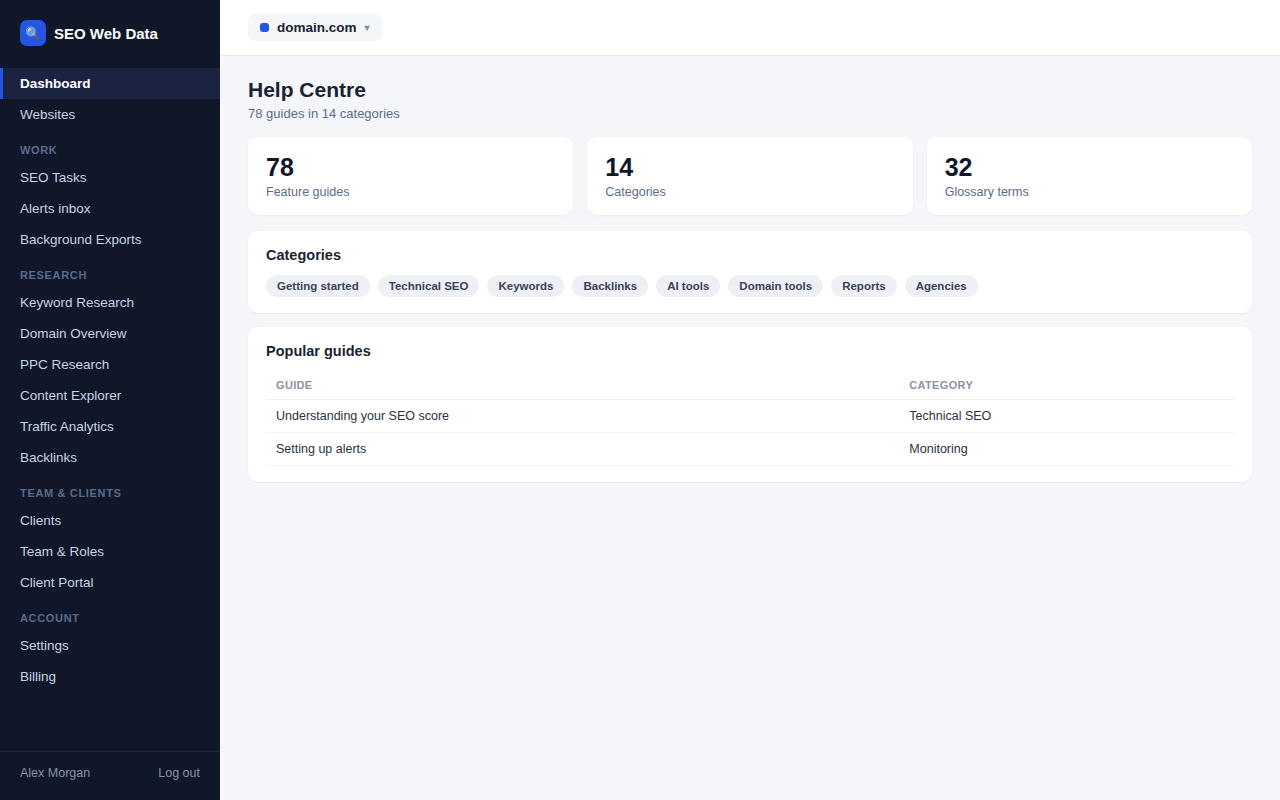
A searchable Help Centre covers every feature with a plain-language guide: what it does, what it achieves, how to use it, and how to read the data for SEO — so your team can look something up instead of guessing.
What's included
- A guide for every feature, in 14 categories
- Live search across the whole Help Centre
- A five-step getting-started path and a glossary
Each feature's guide covers what it does, what it's for, how to use it, tips, an FAQ and related guides — with an Open button that jumps straight to the feature itself (per website, where relevant). A "Guide" link sits beside every feature's page title, so help is always one click away from where you're working.
A feature that isn't switched on for your account shows plainly as "not switched on" rather than a broken link, and a 32-term glossary covers the SEO terminology used throughout the guides.
How it works
Guides are organised into 14 categories matching the product's own navigation, with live search and a short recommended starting path for a brand-new account. Every guide is written for the person actually using the product day to day, not a developer reading documentation.
Why self-serve help matters
- Less onboarding overhead — a new team member can look up what a score or a panel means instead of interrupting someone.
- Consistent answers — the same explanation every time, not a slightly different one from whoever answers a Slack message.
- Always current — a feature's guide reflects whether it's switched on for the account it's viewed from.
Frequently asked questions
Is the Help Centre available to client-portal logins?
No — it's for signed-in team roles; client-portal logins have their own, shorter client portal guide instead.
Does it cover every feature?
Yes — every feature in the product has its own guide, grouped into 14 categories with a search box across all of them.
Is there a glossary of SEO terms?
Yes — a 32-term glossary covers the terminology used across the guides, linked from the Help Centre itself.