
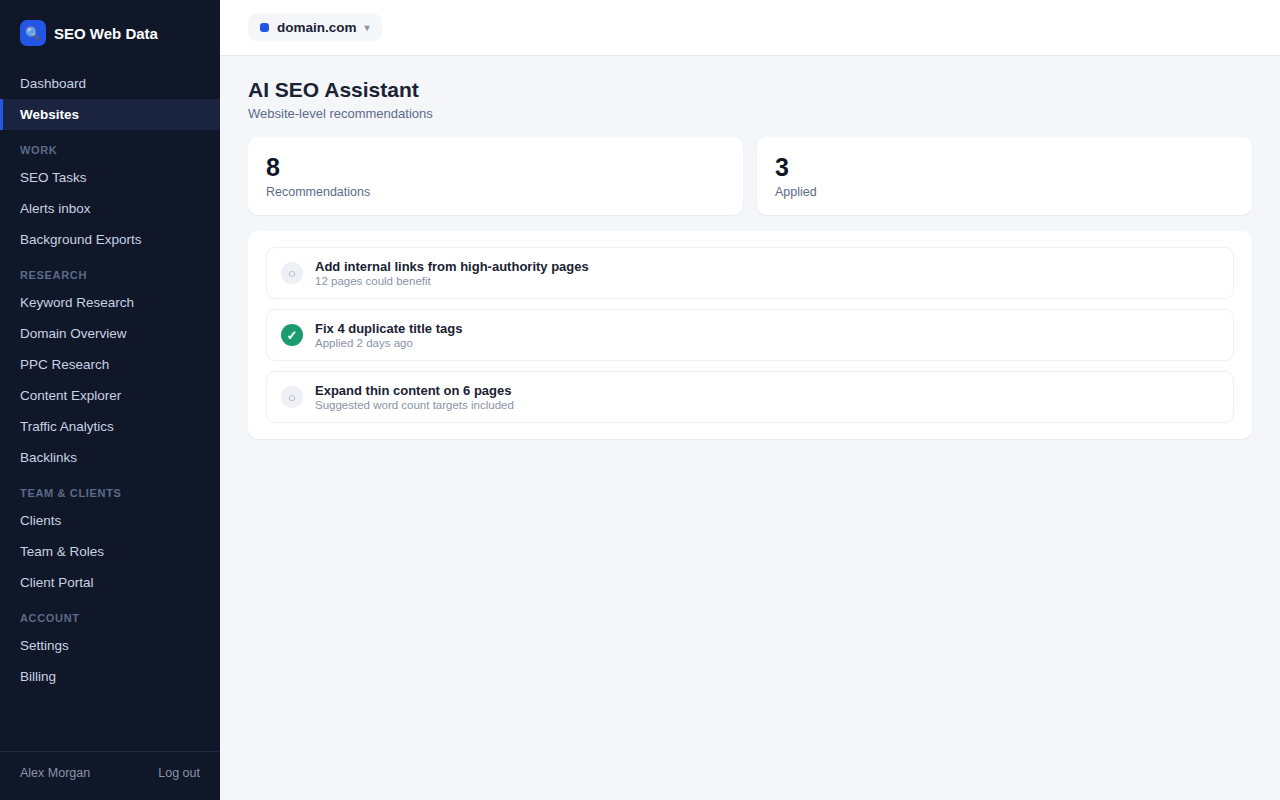
AI SEO Assistant
Ask plain-English questions about your own website's SEO data — crawl issues, rankings, changes, opportunities — and get an answer drawn from your account's own crawl and rank-tracking data, without digging through reports yourself.
What's included
- Natural-language questions about your data
- Explanations of notable changes
- Available from anywhere in the dashboard
Instead of building a custom report or digging through several screens, you can ask a plain-English question — "which of my keywords dropped since the last check", "what's our biggest technical issue right now" — and get an answer drawn from your own account's data.
It's available from anywhere in the dashboard, so it works as a shortcut through your own data rather than a separate tool you have to remember to open.
How it works
Ask a plain-English question — "which of my keywords dropped since the last check", "what's our biggest technical issue right now" — and get an answer drawn from your own account's data: crawl issues, rankings, changes and opportunities, without building a custom report or digging through several screens first. It's available from anywhere in the dashboard, so it works as a shortcut through your own data rather than a separate tool you have to remember to open.
Answers pull from the same underlying data as the rest of the dashboard — technical checks, rank tracking — so an answer is grounded in real numbers, not a generic guess.
Your Google data, your choice. Data received from Google Search Console, Analytics and Business Profile is sent to an AI provider only if an owner or admin of your account turns on "Use Google data in AI answers". It then goes only to our data-processing partner Mistral AI (with model training switched off) or to the provider of your own API key, and you can turn it off at any time. While it is off, the assistant does not answer questions about those figures; use the Search Console and Analytics reports for them instead. See our Privacy Policy.
Why a question-first interface helps
Most SEO dashboards assume you know which screen has the answer you need — but the actual question in your head ("why did this keyword drop") rarely maps cleanly onto one report. Being able to just ask removes that translation step, especially useful for anyone on the team who isn't an SEO specialist but still needs an answer without a lengthy explanation of where to look.
- Faster investigation — start with the question, not with guessing which report might contain the answer.
- Explaining changes — get context on a notable shift without manually cross-referencing several data sources.
- Onboarding non-specialists — a client-side stakeholder or a new team member can get useful answers without SEO expertise.
- No report-building required — a quick question replaces what would otherwise mean assembling a custom view just to get one answer.
The assistant answers questions about your own data. To find out what external AI assistants say about your brand, see AI Search Visibility, which tests the questions your customers ask and records the answers.
Frequently asked questions
Does it only answer questions about my own account?
Yes — answers are drawn entirely from your own account's data, the same scope as the public API.
Can it explain why a ranking changed?
It can surface relevant context — a technical change, a competitor move, an SEO change detected — see SEO change detection for the underlying data it draws on.
Is this available on every plan?
Availability follows your plan — see Pricing for details.
Can I ask about a specific competitor?
Yes, where that data is available in your account — see competitor intelligence for the underlying tracked data it can draw on.