
Local rank tracking
Track how your business appears in local search results across the specific locations that matter to you, so you know exactly where you stand in the searches your local customers actually run.
What's included
- Location-specific rank tracking
- Map pack visibility
- Track multiple locations
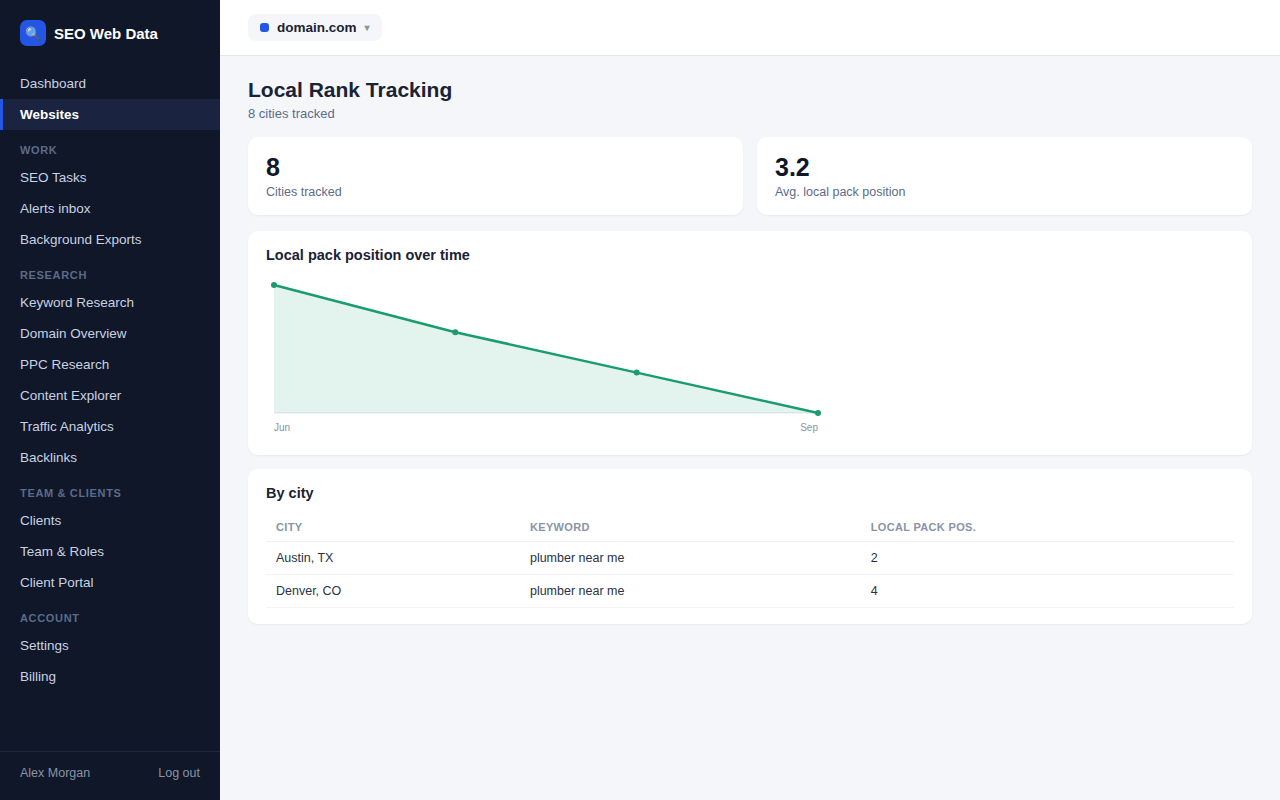
Local search results depend heavily on location, so rankings are tracked from the specific areas your customers actually search from, rather than a single generic national position that wouldn't reflect what a nearby customer sees.
Multiple locations can be tracked side by side, which matters for any business with more than one branch or service area — each location's visibility is tracked independently.
How it works
Each location you add is a point on the map, not just a city name — you set the exact address (or a radius around it) that represents where you want to know your visibility from. SEO Web Data then checks your ranking from a grid of points around that location, the same way keyword rank tracking checks a standard search position, except the result is a visibility grid rather than a single number, because your rank for "plumber near me" genuinely differs street by street.
Grid checks run on a schedule, and every past check is kept, so a grid from this week can be compared against one from last month to see whether visibility is spreading out or shrinking in toward the business address.
Why location-specific tracking matters
A single national ranking number is close to meaningless for a business that lives or dies on local search — a searcher three streets away and one across town can see completely different map packs for the same query. Businesses with more than one branch or service area have it worse: a single average position would blend locations that might be performing very differently, hiding exactly the branch that needs attention.
- Multi-location businesses can track each branch independently, so a strong flagship location doesn't mask a struggling one.
- Service-area businesses without a storefront (plumbers, electricians, cleaners) can track visibility across the towns or postcodes they actually serve, rather than just the address on file.
- Single-location businesses still benefit from seeing how visibility tapers off with distance — useful context when deciding where to spend on local ads.
- Franchise and multi-brand groups can roll several location grids up into one account-wide view, useful when reporting local visibility across an entire portfolio rather than one branch at a time.
Local pack rankings are also influenced by factors outside your website entirely, which is why local rank tracking is built to sit alongside Google Business Profile management and review monitoring in the same dashboard — a rank drop is often easier to explain once you can see a profile edit or a run of new reviews on the same timeline.
Frequently asked questions
How many locations can I track?
The number of tracked locations, and how often each grid is checked, scales by plan — see Pricing for current allowances.
How is this different from regular keyword rank tracking?
Standard keyword tracking reports one position per keyword. Local rank tracking reports a grid of positions around a specific address, which is what actually determines map pack visibility.
Does this replace checking Google Business Profile directly?
Not entirely — think of it as the ranking layer that sits next to profile management, so you're not switching between two separate tools to understand local performance.
Can I track locations in different countries?
Yes — location grids aren’t restricted to a single country, so a business operating across regions can track each market’s local visibility separately.