
Record generators
Skip the syntax guesswork. Fill in a short form and get a correctly written DNS record, with the exact host name and value ready to paste.
What's included
- SPF and DMARC generators
- DKIM key pair generator
- CAA, MTA-STS, TLS-RPT and BIMI generators
- Generic DNS record builder
A single stray character in a DNS record can quietly stop it working, and the mistake often isn’t obvious until mail starts bouncing. The record generators take away that risk by building the record for you from plain choices.
Each generator explains the options in ordinary language, validates what you enter and shows the finished record alongside the host name to publish it at.
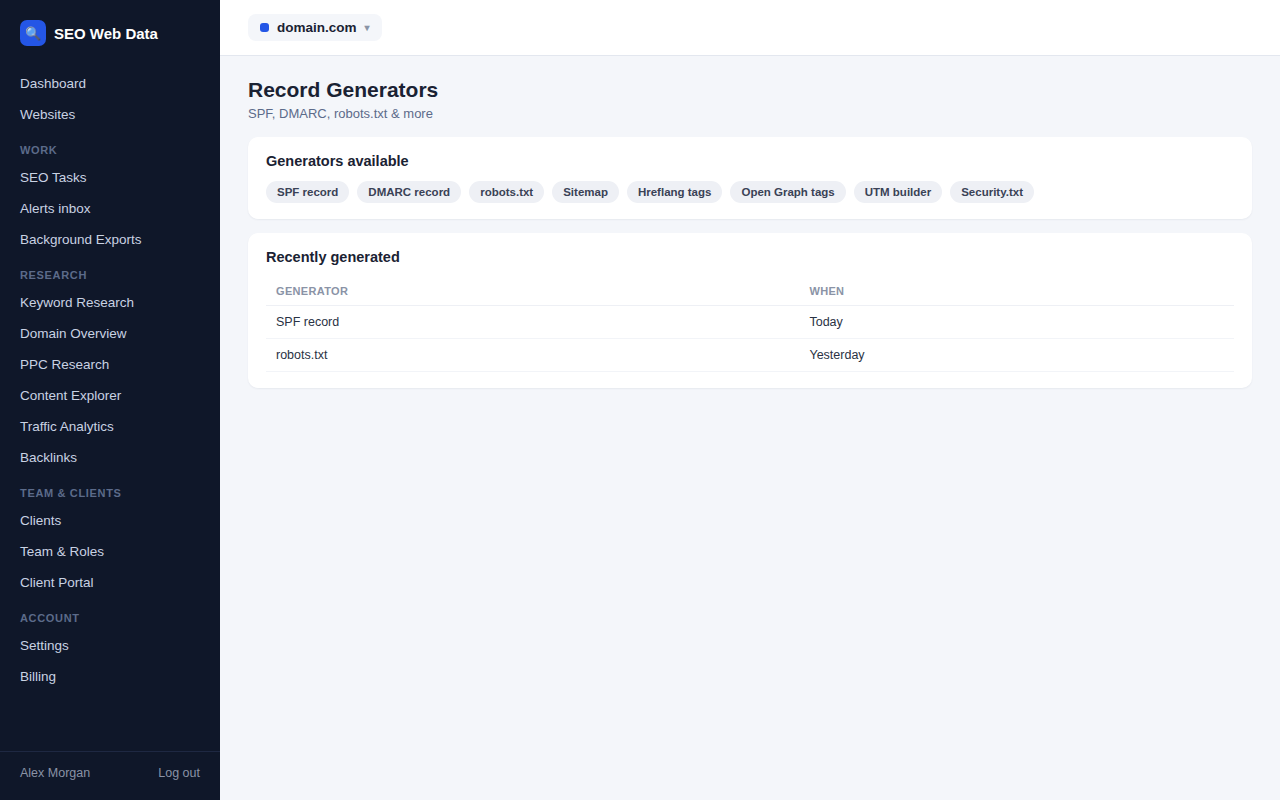
Pick your options, get your record
- SPF: list the senders you use and choose how strictly others should be treated.
- DMARC: choose a policy, the share of mail it applies to, alignment settings and where reports should go.
- DKIM: create a fresh 2048-bit key pair. The public record is shown for your DNS and the private key for your mail system.
- CAA: state which certificate authorities may issue certificates for your domain.
- MTA-STS and TLS-RPT: produce both the DNS record and the policy file that secure mail transport and report failures.
- BIMI: set up the record that lets supporting inboxes show your logo.
- Generic record: build any other record as a ready-to-use zone file line.
Checked as you build
Generated records aren’t just formatted, they’re checked. The DMARC generator validates the result, reminds you to start in monitoring mode and tighten gradually, and warns if you haven’t given a report address. The SPF generator counts DNS lookups so you don’t build a record that breaks its own limit, and the MTA-STS generator defaults to a safe testing mode.
After publishing, run the matching checker in email authentication tools to confirm that the world can see your new record.
Private keys stay private
When you generate a DKIM key pair, the private key is created for your session only. It is never saved to disk, stored in the database or written to logs, and the page is marked so your browser won’t cache it. Copy it straight into your mail system, then close the page. If you ever need a new key, simply generate another.
Typical jobs it makes easy
Nearly every new domain or mail provider requires some DNS records to be written, and the instructions from each provider never quite match. The generators give you a consistent starting point.
- Setting up a new domain with sensible email authentication from day one.
- Adding a new email service without accidentally breaking the sender list already in your SPF record.
- Moving from monitoring to protection by stepping a DMARC policy up gradually and safely.
- Locking down certificates by publishing a CAA record after a security review.
- Preparing records in advance so that a migration on the day is a matter of pasting rather than researching.
The generators pair naturally with the checkers. Build the record, publish it, then look it up again to confirm it appears exactly as intended. For agencies, the same forms make it simple to give clients or their IT team precise, copy-ready instructions instead of a long explanation.
Built for people who publish records occasionally
Writing DNS records isn’t a daily task for most people, and it’s easy to forget the details between one job and the next. Each generator keeps the reasoning visible: options are labelled in plain language, such as “quarantine – send to spam”, and sensible defaults get you a safe starting point. The DMARC generator even explains each tag in the finished record, and recommends collecting reports for a few weeks before you tighten the policy.
The result is a record you understand, not just one you copied.
Frequently asked questions
Where do I put the record it generates?
Add it in your domain’s DNS settings, usually at your registrar or hosting provider, using the host name and value the generator shows.
Will it overwrite my existing records?
No. The generators only produce text for you to publish; they never change your DNS.
How long before a new record works?
Usually within minutes, though cached copies can take longer. The propagation checker shows progress.
Is the generated DKIM private key stored?
No. It’s shown once for you to copy and isn’t saved anywhere.
Can I edit a record after generating it?
Yes. Change the options and generate again as often as you like. Nothing is saved until you publish the record yourself.