
Developer tools
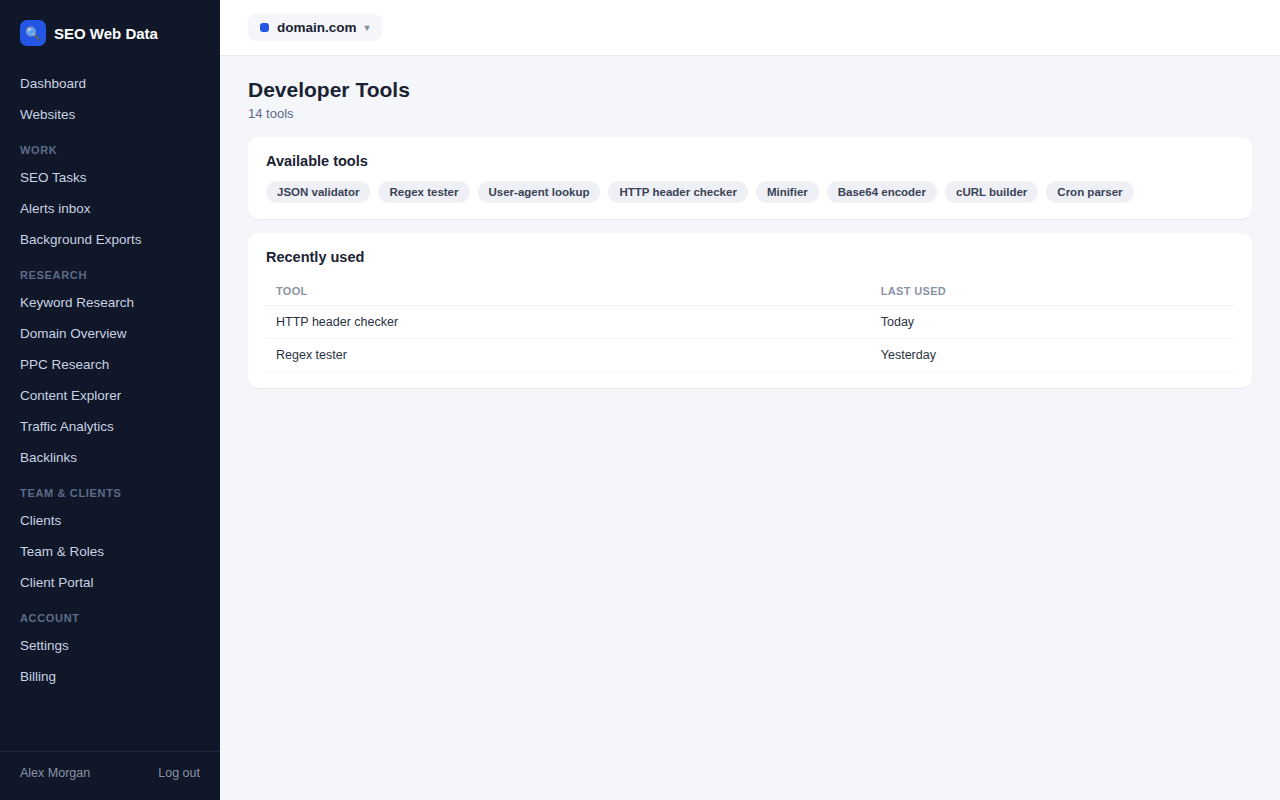
The small utilities you reach for every week, gathered in one place and one login: network calculators, converters, encoders, decoders and testers.
What's included
- Subnet and CIDR calculator for IPv4 and IPv6
- IP range to CIDR and IP notation converters
- URL, hostname and IDN parsers
- Encoders, decoders, JSON formatter and regex tester
Anyone who manages websites ends up with a browser full of single-purpose calculator tabs, each with its own ads and quirks. This section replaces them with a clean set of tools inside the dashboard you already use.
They’re grouped by job, so the tool you need is never more than a click or two away.
Networking helpers
The subnet calculator takes an address and prefix and returns the network, usable range, broadcast address, mask and number of hosts, for both IPv4 and IPv6. The range-to-CIDR tool does the reverse, working out the smallest set of blocks covering a start and end address, handy when writing firewall or allow-list rules. The IP converter shows any address as dotted, decimal, hexadecimal or binary notation.
Web and data utilities
- URL parser splits an address into scheme, host, path, query and fragment so you can see exactly what a link contains.
- Hostname and IDN parser converts international domain names to and from their encoded form.
- Base64 and URL encoders convert text both ways.
- JWT decoder reveals the contents of a token, including expiry times, without any need for its secret.
- Timestamp converter switches between Unix time and readable dates.
- HTTP status codes is a searchable reference with plain explanations.
- JSON formatter validates and tidies messy data.
- Regex tester lets you try patterns against sample text.
Private where it counts
Anything you paste that might be sensitive, such as a token or a block of JSON, is sent in a way that keeps it out of web addresses and server logs. The regular-expression tester goes further and runs entirely in your own browser, so your test data never leaves your machine.
Working on a domain rather than a data format? See DNS lookup & propagation and domain & IP information.
Where they earn their place
None of these tools is complicated on its own. Their value is that they sit within reach, so a quick job stays quick.
- Writing firewall or allow-list rules and needing the exact address blocks for a range.
- Debugging a login or API problem by decoding a token to see who it was issued to and when it expires.
- Checking a tricky link by splitting it into its parts to find a stray character or double-encoded value.
- Working with international domains and needing the encoded form used in DNS.
- Reading log timestamps by converting them into human-readable dates.
- Tidying exported data by formatting and validating it before sharing.
Because they live inside the same section as the DNS and domain tools, you can move from a hostname to its address, from an address to its subnet, and from a subnet to a ready-made rule without leaving the dashboard.
Simple, fast and consistent
Every tool follows the same layout: put your input in, press a button and read the result. Inputs are validated as you go, so a mistyped address or a malformed token produces a clear message instead of a blank page. Results are shown in tidy tables where you can copy any value individually, and the tools that take longer inputs keep them out of your browser history and web addresses.
The tools have no advertising, no pop-ups and no sign-up wall beyond the login you already have, so a two-second job takes two seconds.
Because they’re part of the same section as the DNS and domain tools, nothing here needs a separate bookmark, tab or account, and the whole set is available on any device where you can open your dashboard.
Frequently asked questions
Does the JWT decoder verify signatures?
It decodes and displays the contents of a token. It doesn’t need or ask for your secret key, and it isn’t a substitute for verification in your application.
Is my pasted data stored?
No. Pasted content is processed and discarded, and the regex tester never leaves your browser.
Does it support IPv6?
Yes. The subnet calculator and converters handle both IPv4 and IPv6.
Are these tools free for all users?
They’re part of Domain Tools. What’s included depends on your plan; see Pricing.
Do I need to install anything?
No. Every tool runs from your browser, with nothing to download or configure.