
Scheduled reports
Set reports to generate and go out automatically on a schedule that suits you and your clients, so recurring reporting stops being a manual monthly task.
What's included
- Weekly, monthly or custom schedules
- Automatic delivery
- One less recurring task on your list
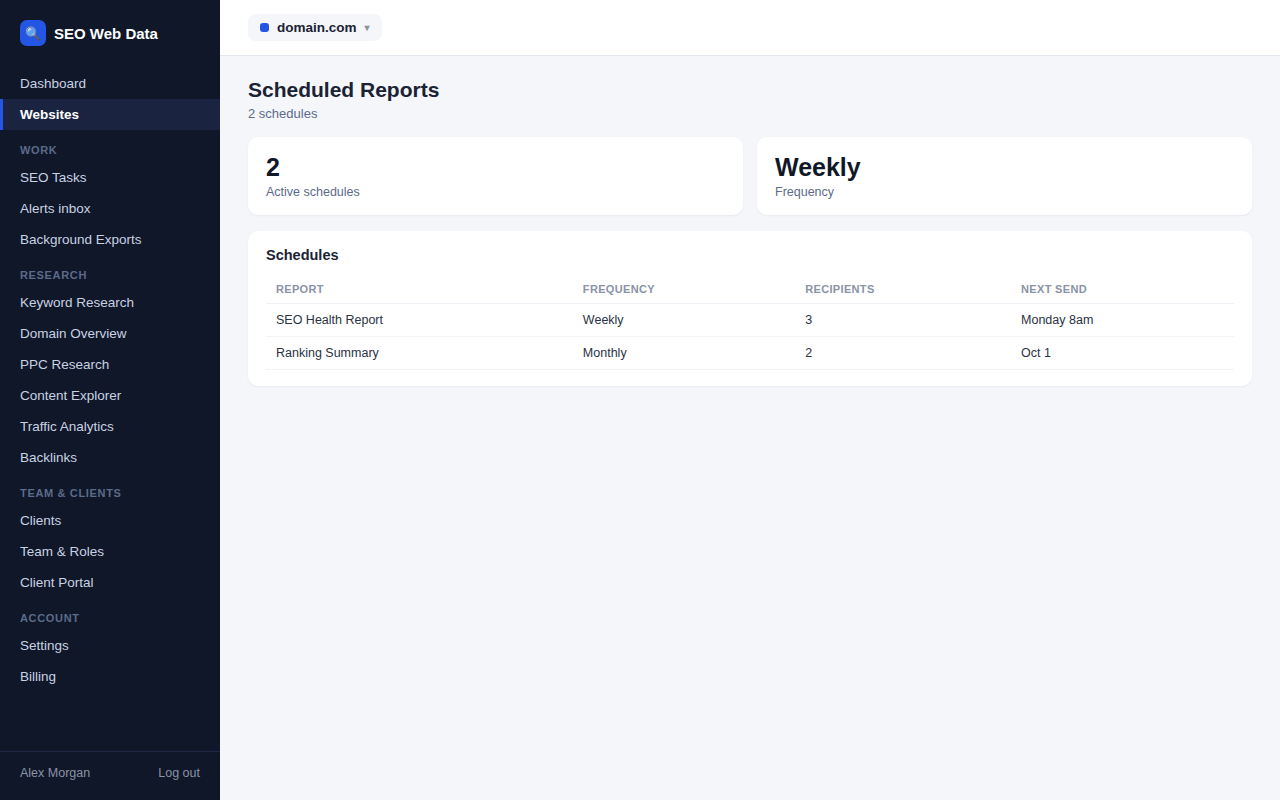
Once a report is set up, it can be scheduled to regenerate and go out automatically — weekly, monthly, or on a custom cadence — turning what used to be a recurring manual task into something that just happens.
This is especially useful for agencies with the same reporting commitment to multiple clients every month: set it up once per client and it keeps running.
How it works
Once an SEO & website health report is set up, it can be scheduled to regenerate and go out automatically — weekly, monthly, or on a custom cadence — turning what used to be a recurring manual task into something that just happens without anyone needing to remember to do it.
This is especially useful for agencies with the same reporting commitment to multiple clients every month: set it up once per client and it keeps running, generated fresh each time from live data rather than a template someone has to re-fill.
Why automating recurring reports matters
Monthly client reporting is exactly the kind of task that's easy to fall behind on — not because any single report is hard to produce, but because doing it manually for ten or twenty clients every month adds up to real, recurring time that doesn't get any easier with practice. Automating it removes that time cost entirely, and removes the risk of a report going out late or being forgotten.
- Set once, runs indefinitely — no recurring calendar reminder needed to remember report day.
- Scales with client count — the effort to set up scheduled reporting for client twenty is the same as for client one.
- Consistent timing — clients receive updates on a predictable schedule, which itself builds trust over time.
- Pause without deleting — a scheduled report can be paused during a quiet period and resumed later without rebuilding it from scratch.
Frequently asked questions
Can I set different schedules for different clients?
Yes — each scheduled report is independent, so cadence can vary client by client.
Who receives a scheduled report?
Delivery recipients are configured per schedule, and can include your own team as well as the client.
Can scheduled reports be branded per client?
Yes, on plans that include white-labeling — see white label & client portal.
What happens if the underlying data isn’t ready when a report is due?
Reports are generated from whatever the most current data is at send time, so there’s no manual step that can be missed or delayed.